4. Collecting the collars
You should have assigned the collars before trying to collect them - they must be on the animals for 48 hours to collect enough data to determine the maternal pedigree
When collecting the collars off the animals, the procedure is fairly simple. Simply take the collars off and place them in an appropriate bin or bucket.
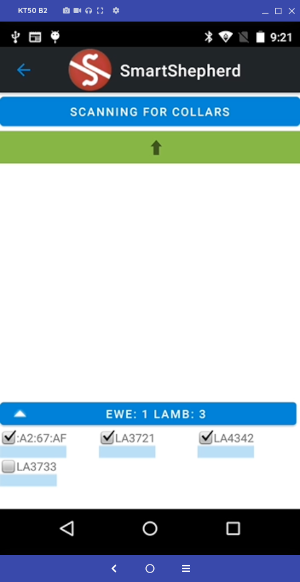
While you are taking the collars off, the app should be set to "Turn Off Collars", this will automatically connect to each collar and switch them off for reading later.
From this screen, go to "Turn off collars"

The process is automatic, the app will turn off every collar that it can connect to. Note that if you have a lot of pods it can take 30-60 minutes or more to find and switch them off. Best practice is to start the screen switching collars off while the animals are coming through your race / collection point. You will hear the switch-off tune from each pod as it switches off.
When you can't hear pods being switched off, the next step is to read the collars